> ## Documentation Index
> Fetch the complete documentation index at: https://superwhisper.com/docs/llms.txt
> Use this file to discover all available pages before exploring further.
# Introduction
> Superwhisper: ultra-fast AI powered dictation that understands what you want to say and how you want to say it.
 Instantly turn speech into perfect emails, crisp notes, clear messages, professional communication, and more.
## Available On
Full-featured desktop app
Windows desktop app
iPhone and iPad
## How It Works
Just talk as you normally would.
AI converts your speech into text with exceptional accuracy.
AI transforms your transcription to match exactly what you need.
***
## Key Features
Choose from built-in modes such as pure voice transcription, tailored text formatting, or create your own custom modes with personalized AI instructions. Each mode processes your dictation differently - from simple voice-to-text to complex transformations that match your exact requirements and workflow preferences.
When enabled, Superwhisper's context awareness understands your specific needs and delivers smarter, more personalized results.
Aside from dictation, Superwhisper can transform existing audio and video files into text. Perfect for processing lectures, meetings, or interviews.
Dictate in your preferred language and translate to English on the fly, use built-in modes in your language, or create custom modes to harness Superwhisper's capabilities across 100+ supported languages.
Superwhisper's flexibility extends beyond our built-in models. Integrate your own API keys to access additional AI providers and models, expanding your capabilities even further.
Experience unlimited access to powerful cloud & local AI models from leading providers like OpenAI, Anthropic, Deepgram, and Groq. Process dictations with advanced language models without worrying about usage limits or additional costs.
New users receive 15 minutes of free access to all pro features and the ability to create 3 modes to experience Superwhisper's full potential.
***
## Initial Setup
Instantly turn speech into perfect emails, crisp notes, clear messages, professional communication, and more.
## Available On
Full-featured desktop app
Windows desktop app
iPhone and iPad
## How It Works
Just talk as you normally would.
AI converts your speech into text with exceptional accuracy.
AI transforms your transcription to match exactly what you need.
***
## Key Features
Choose from built-in modes such as pure voice transcription, tailored text formatting, or create your own custom modes with personalized AI instructions. Each mode processes your dictation differently - from simple voice-to-text to complex transformations that match your exact requirements and workflow preferences.
When enabled, Superwhisper's context awareness understands your specific needs and delivers smarter, more personalized results.
Aside from dictation, Superwhisper can transform existing audio and video files into text. Perfect for processing lectures, meetings, or interviews.
Dictate in your preferred language and translate to English on the fly, use built-in modes in your language, or create custom modes to harness Superwhisper's capabilities across 100+ supported languages.
Superwhisper's flexibility extends beyond our built-in models. Integrate your own API keys to access additional AI providers and models, expanding your capabilities even further.
Experience unlimited access to powerful cloud & local AI models from leading providers like OpenAI, Anthropic, Deepgram, and Groq. Process dictations with advanced language models without worrying about usage limits or additional costs.
New users receive 15 minutes of free access to all pro features and the ability to create 3 modes to experience Superwhisper's full potential.
***
## Initial Setup
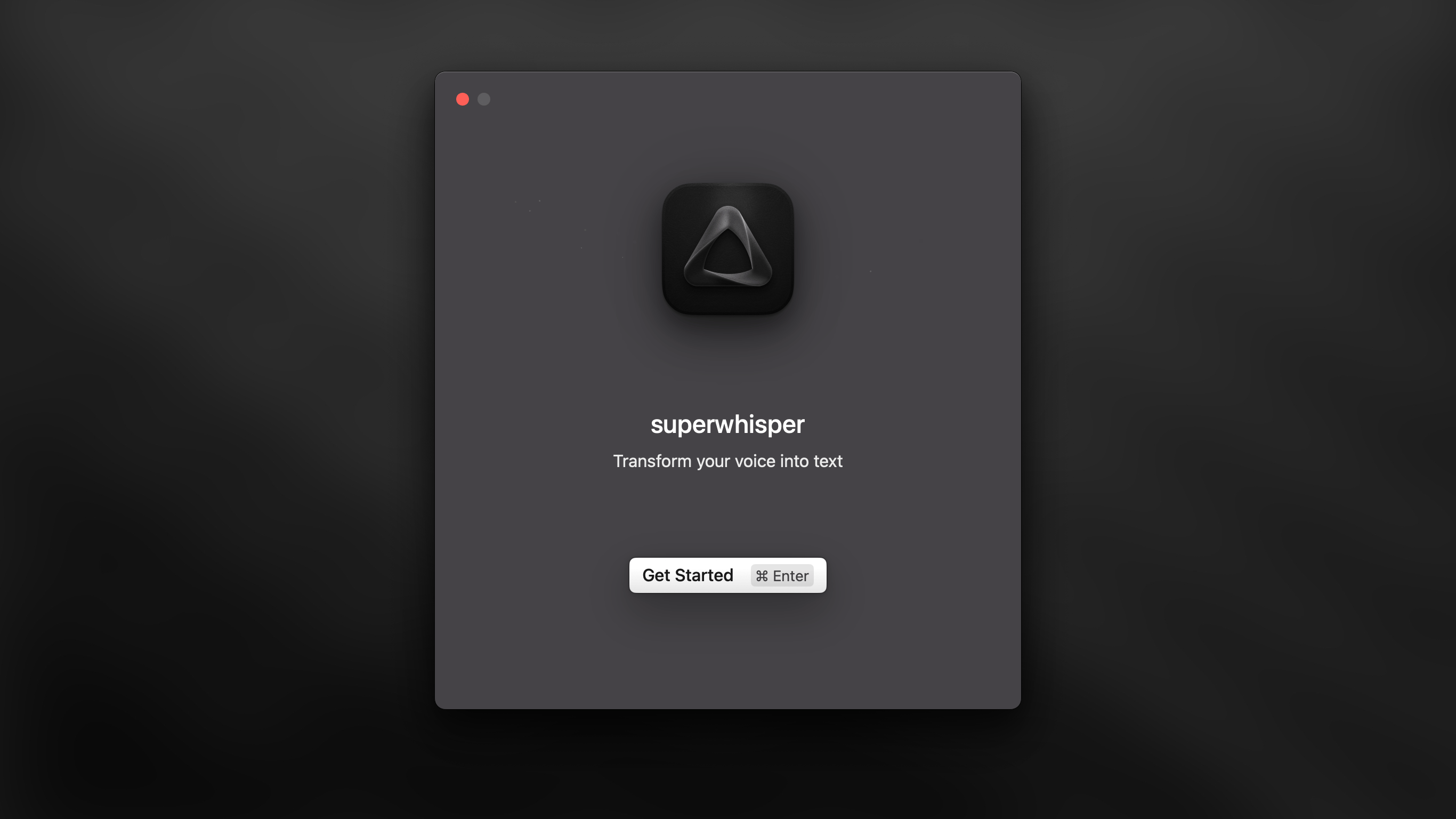 **When you first launch Superwhisper, the onboarding process will help you:**
* Set up essential system permissions for dictation
* Choose your preferred language for transcription
* Select your AI model (cloud or local) with system-optimized suggestions
* Configure your microphone and audio settings
* Complete a guided first dictation with keyboard shortcuts
* Test and verify your setup is working correctly
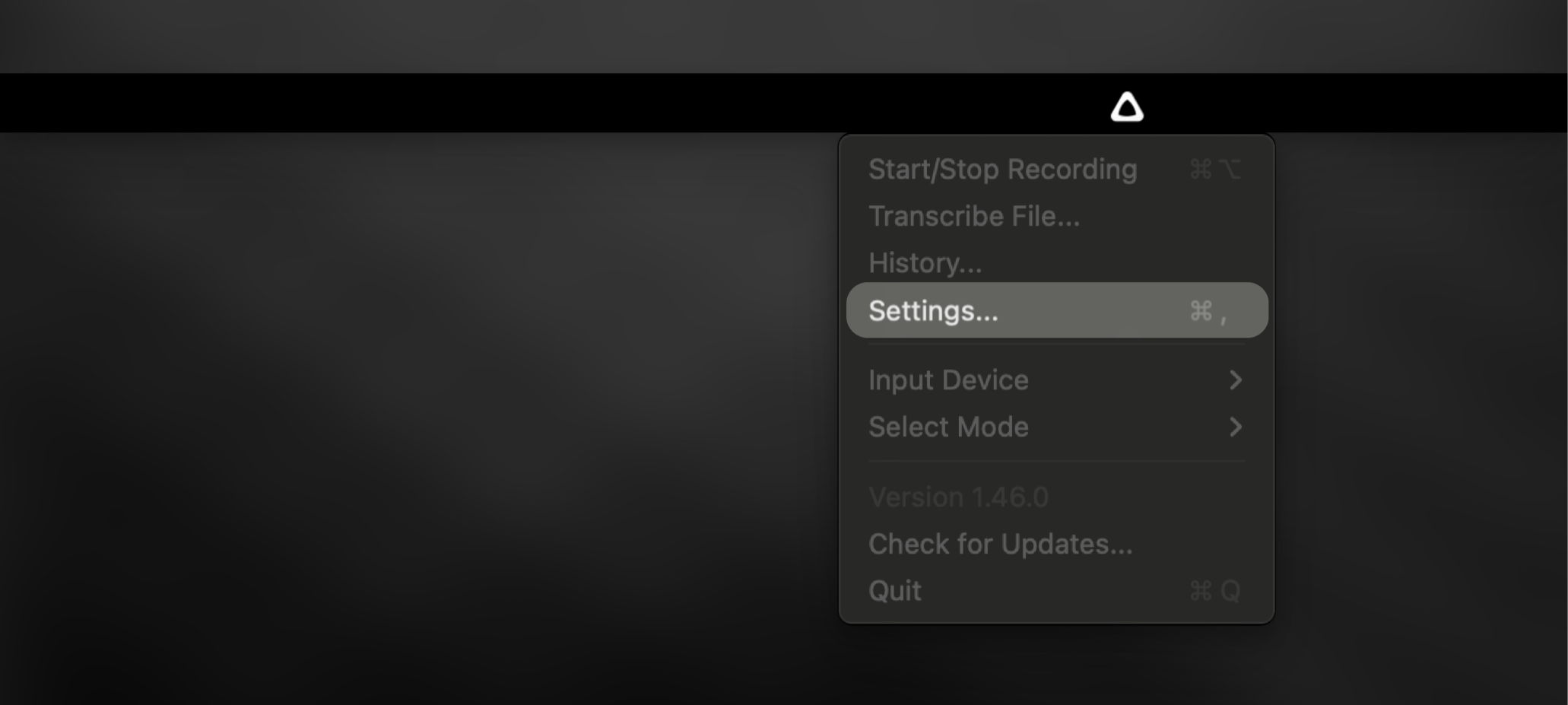
**By the end of onboarding, you'll have completed the basic setup. To fine-tune Superwhisper for your specific needs, just click the menu bar icon to access all settings anytime.**
**When you first launch Superwhisper, the onboarding process will help you:**
* Set up essential system permissions for dictation
* Choose your preferred language for transcription
* Select your AI model (cloud or local) with system-optimized suggestions
* Configure your microphone and audio settings
* Complete a guided first dictation with keyboard shortcuts
* Test and verify your setup is working correctly
**By the end of onboarding, you'll have completed the basic setup. To fine-tune Superwhisper for your specific needs, just click the menu bar icon to access all settings anytime.**
 ***
## Explore More
Discover how to leverage different modes for maximum productivity
Master Superwhisper by exploring its interface and learning about all its powerful features
Find solutions to common questions
Help us improve by reporting any problems you encounter
Your license covers both desktop and iOS versions - giving you powerful AI dictation capabilities across all your devices at no additional cost. [Learn how to activate Superwhisper on iOS.](activate-ios)
***
## Explore More
Discover how to leverage different modes for maximum productivity
Master Superwhisper by exploring its interface and learning about all its powerful features
Find solutions to common questions
Help us improve by reporting any problems you encounter
Your license covers both desktop and iOS versions - giving you powerful AI dictation capabilities across all your devices at no additional cost. [Learn how to activate Superwhisper on iOS.](activate-ios)