Superwhisper
for Android
AI dictation on Android. Talk into your phone, get formatted text in your apps. Messages, emails, and notes, in your own words.
Also available for Mac, Windows, and iOS
Why use it
Less thumb-typing. More getting things said.
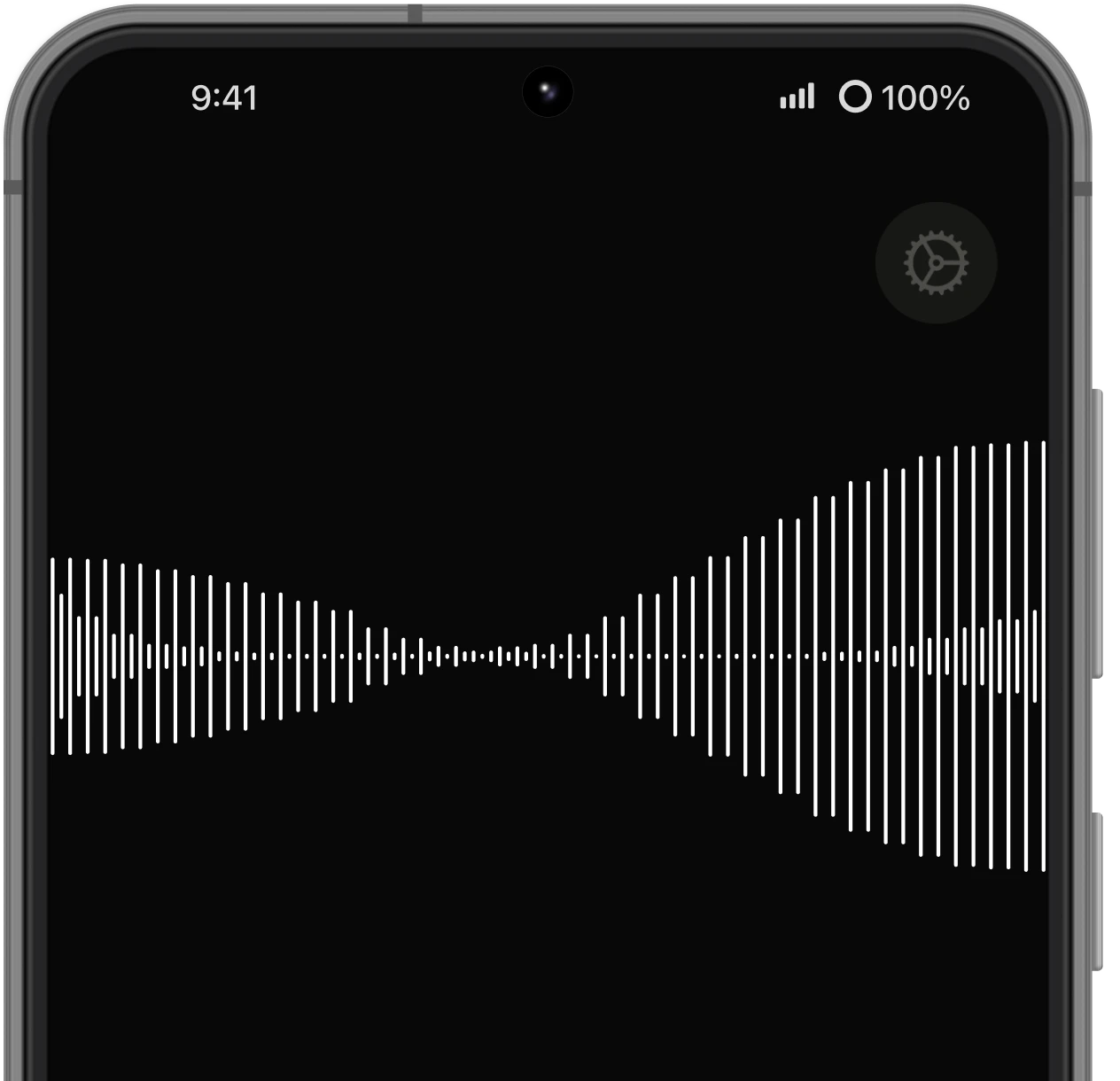
A quick reply can turn into a lot of typing on a phone. With Superwhisper, tap the floating recording button and say what you mean. Your words become text in the app you're already using.
AI modes help shape that text for the task. Write a clear email, a casual message, or a note to yourself without typing every word and fixing the formatting by hand.
 Dictate in your apps
Tap the floating recording button, speak, and insert your words into the text field you're using.
 AI formatting
Turn spoken thoughts into text with punctuation and paragraph breaks, ready to read and send.
Custom modesChoose how your words should come out. Set up modes for messages, emails, and the writing you do every day.
Your voice, on the goWrite a reply or capture an idea from your phone without typing it out on a small keyboard.
Who uses it
How people use it on Android
Reply to messages and emails while you're out. Speak your response, let Superwhisper format it, then read it over and send.
Capture ideas in your notes app while they're fresh. Get readable, searchable text instead of another voice memo to listen to later.
Already using Superwhisper on your computer? Bring voice dictation to your Android phone with the same Pro license.
Support
Frequently asked questions
Which Android devices does it work on?
Superwhisper requires Android 13 or later. Check the Google Play listing for compatibility with your device.
How do I dictate in another app?
Complete setup in Superwhisper, then open a text field in the app you want to write in. Tap the floating recording button, speak, and stop recording to insert your text.
Why does it ask for permissions?
Microphone access lets you record your voice. Permission to display over other apps keeps the recording button within reach. Accessibility access lets Superwhisper insert the resulting text into the field you're using.
Does my Pro license cover Android?
Yes. One Superwhisper Pro license covers Mac, Windows, iOS, and Android.
Where can I download it?
Superwhisper for Android is available on Google Play. Use either Google Play button on this page to open the listing.
Get Superwhisper on Android
Your voice, wherever you write.
 Get it on Google PlayAlso available for Mac, Windows, and iOS