
Over the past few months we rolled out ElevenLabs Scribe v2 Realtime as a voice model option in Superwhisper. It’s a realtime model that writes as fast as you talk, with the accuracy to keep up.
That last part matters most. In dictation, accuracy is everything. One wrong word and the speed you gained from talking instead of typing is gone. We put Scribe v2 Realtime in front of our users, and it caught on fast.
A high bar for any new model
Letting users pick the model behind their voice is core to how Superwhisper works, so the bar for adding a new one is high. It has to keep up with natural speech without lag, and it has to be accurate enough that you trust the text without rereading it.
Scribe v2 Realtime clears both.
David, a power user, made the switch and noted the difference right away.
Scribe really excels at being fast and accurate at the same time. That's really the main use case.
Robert, known as “A Fading Thought” on YouTube, leans on it across languages.
I dictate in English and Spanish constantly, and the automatic language detection not only works, but I can also use both languages within the same dictation.

He also points to the realtime view as something his audience notices: “I do a lot of walkthrough videos, and having that realtime text appear on screen adds a nice touch for viewers.”
How to use Scribe v2 Realtime in Superwhisper
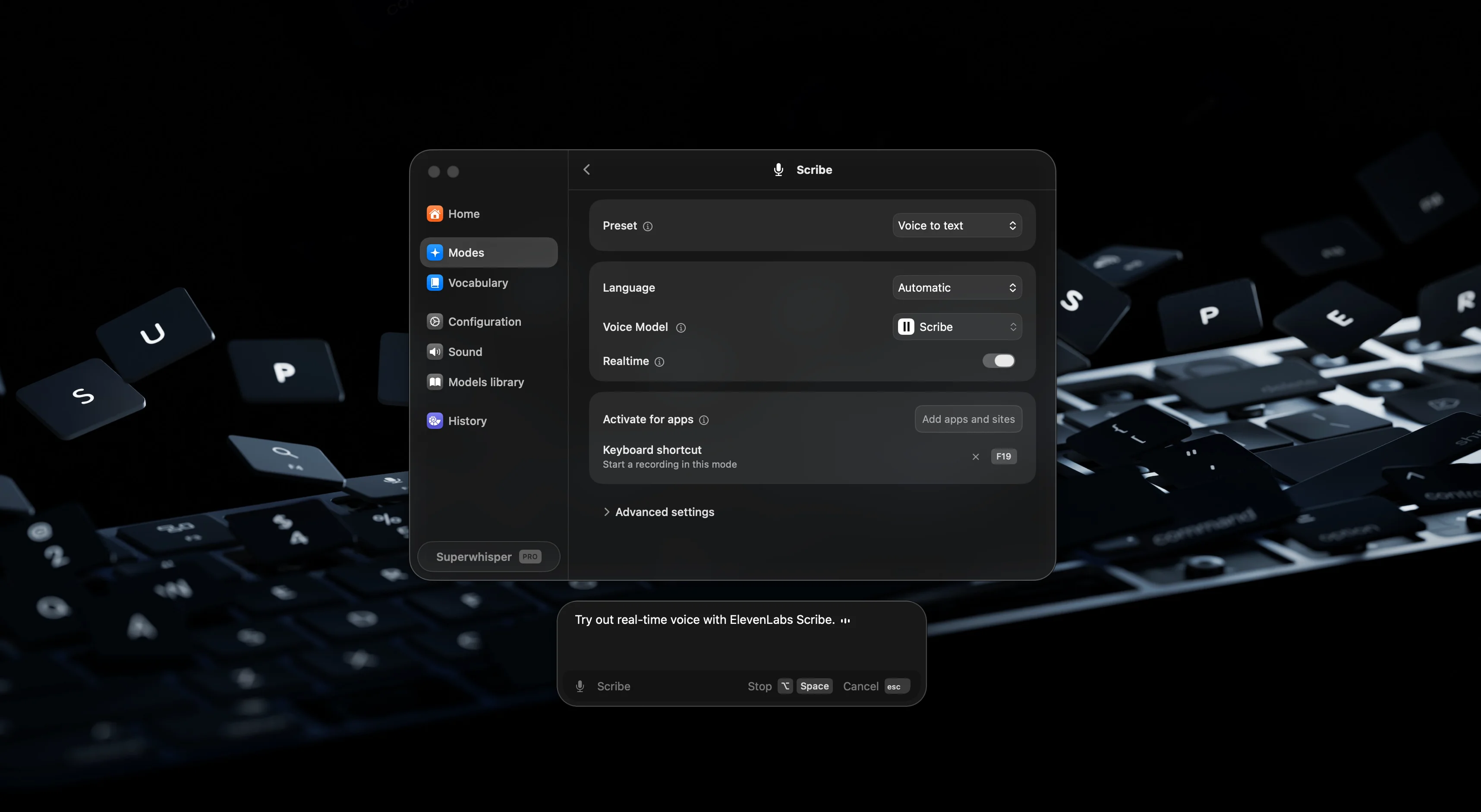
- 1Open Modes in Superwhisper.
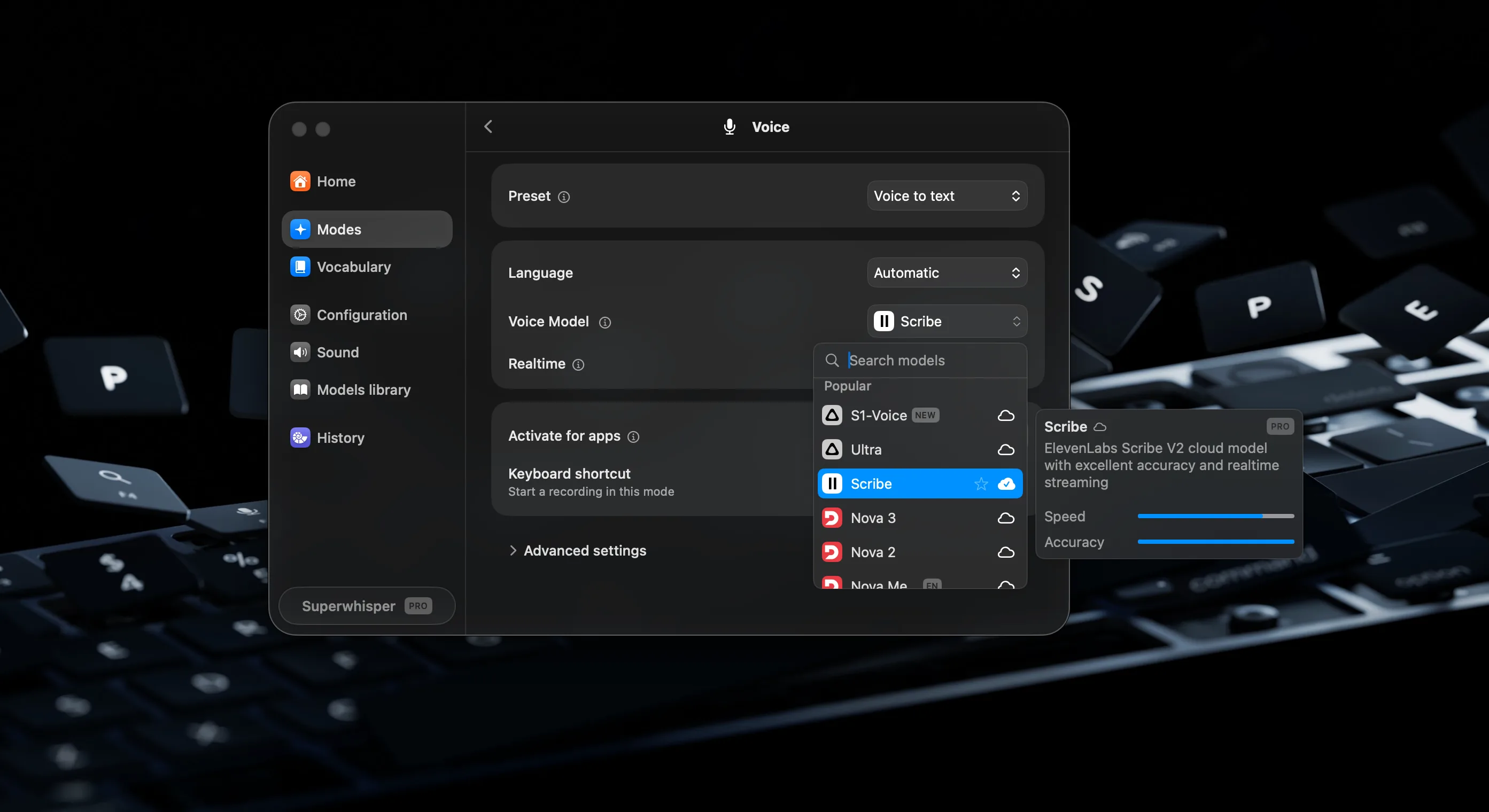
- 2Go to Voice Model and choose ElevenLabs Scribe v2 Realtime.
- 3Toggle Realtime on if you want to see your words appear as you speak.
Voice-first is where computing is headed
More people now code, write messages, and get work done by talking. The less time spent fixing transcripts or waiting for text to land, the more natural it feels. Scribe v2 Realtime keeps pace with conversation, supports more than 90 languages and handles automatic language detection without a hitch, and lets you speak naturally without thinking about the technology underneath.