

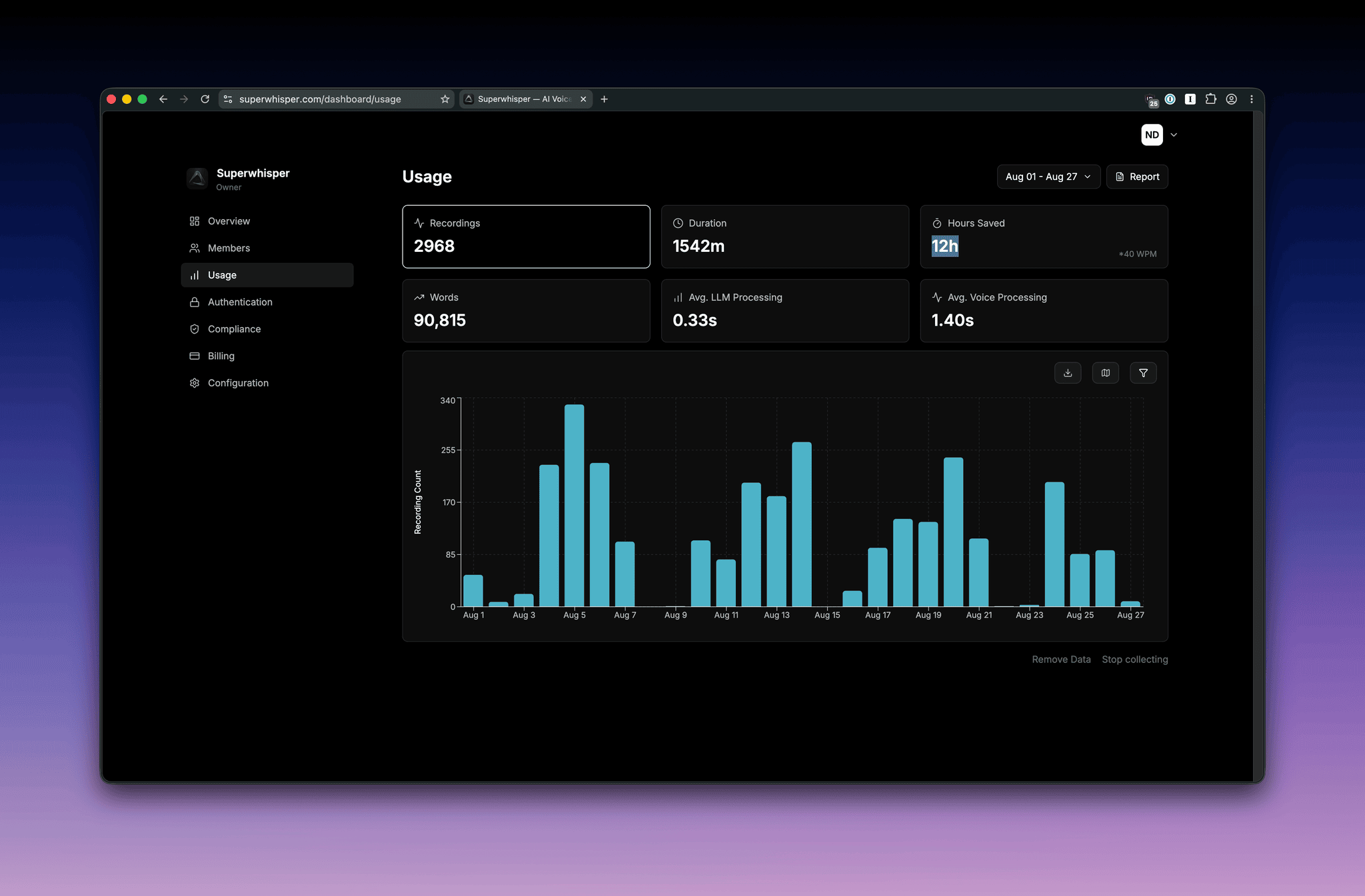
What we collect
When enabled, Superwhisper records aggregate, non-content usage events tied to a member’s email:- Number of dictations per day
- Mode used (Voice to Text, Mail, Super, etc.)
- Voice model and language model selected
- Duration of recordings (in seconds)
- App version and platform (macOS or Windows)
What we never collect
Usage analytics is metadata only. It does not include:- Audio recordings of dictations
- Transcribed text or any content from a member’s dictation
- Custom vocabulary, modes, or replacements configured by the member
- Keystrokes, screen content, or activity outside the Superwhisper app
Disabling analytics
Owners can disable usage analytics at any time from the dashboard. When disabled, the analytics endpoint stops receiving events from member devices on their next app launch.Privacy & compliance
Superwhisper processes usage analytics metadata under the terms of our DPA. The data isn’t used to train AI models, and isn’t shared with third parties beyond the sub-processors listed in the DPA. For organizations under HIPAA, usage analytics metadata is not PHI. The optional toggle exists for organizations that prefer to minimize all telemetry.Related
- Configuration & Models: other org-wide policies you can set
- Sensitive Data Best Practices: how audio and transcripts are handled, separately from analytics
- Compliance & Trust: DPA, BAA, and the sub-processor list