

History holds dictations only. Meetings live in the Meetings tab.
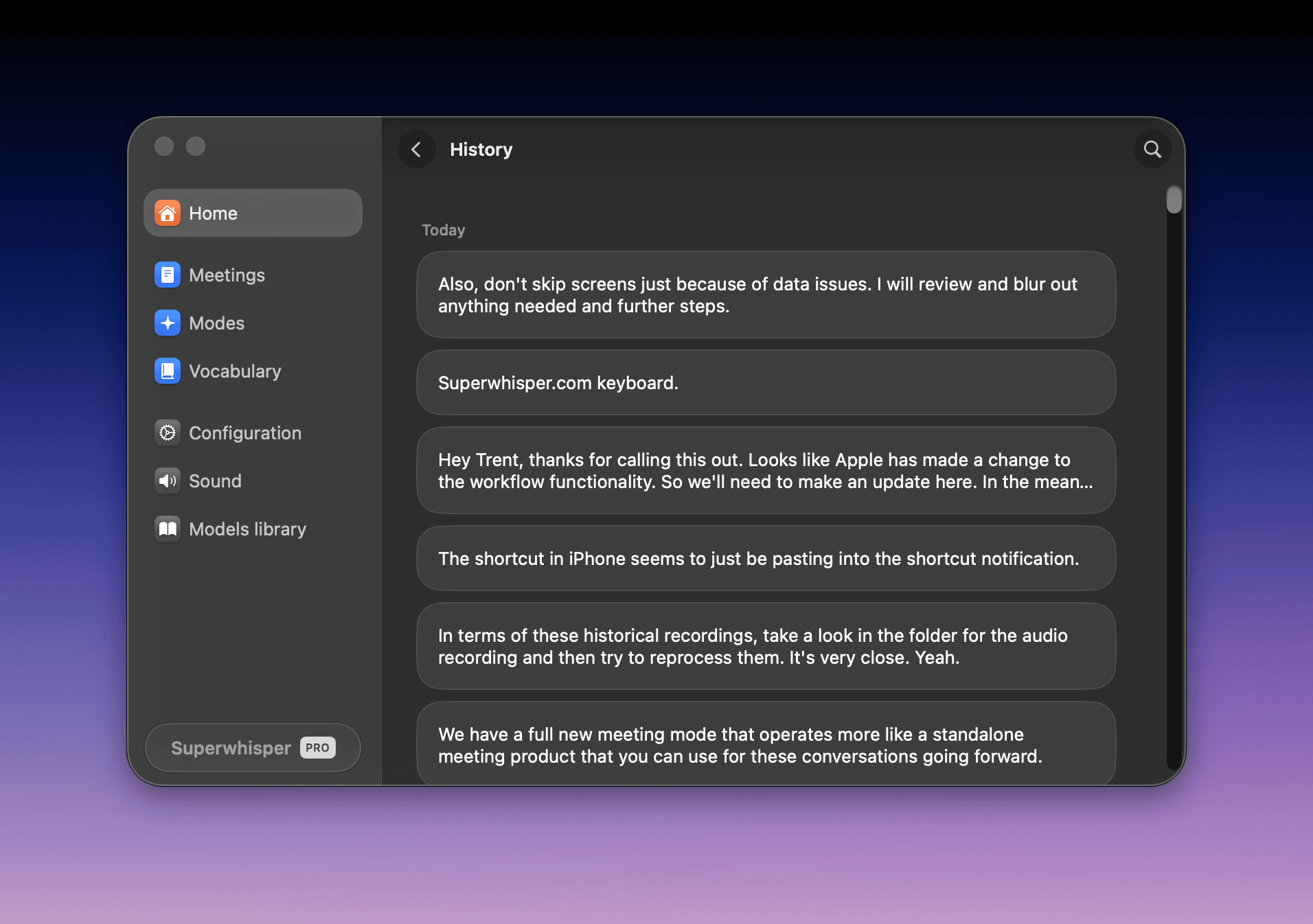
Open History
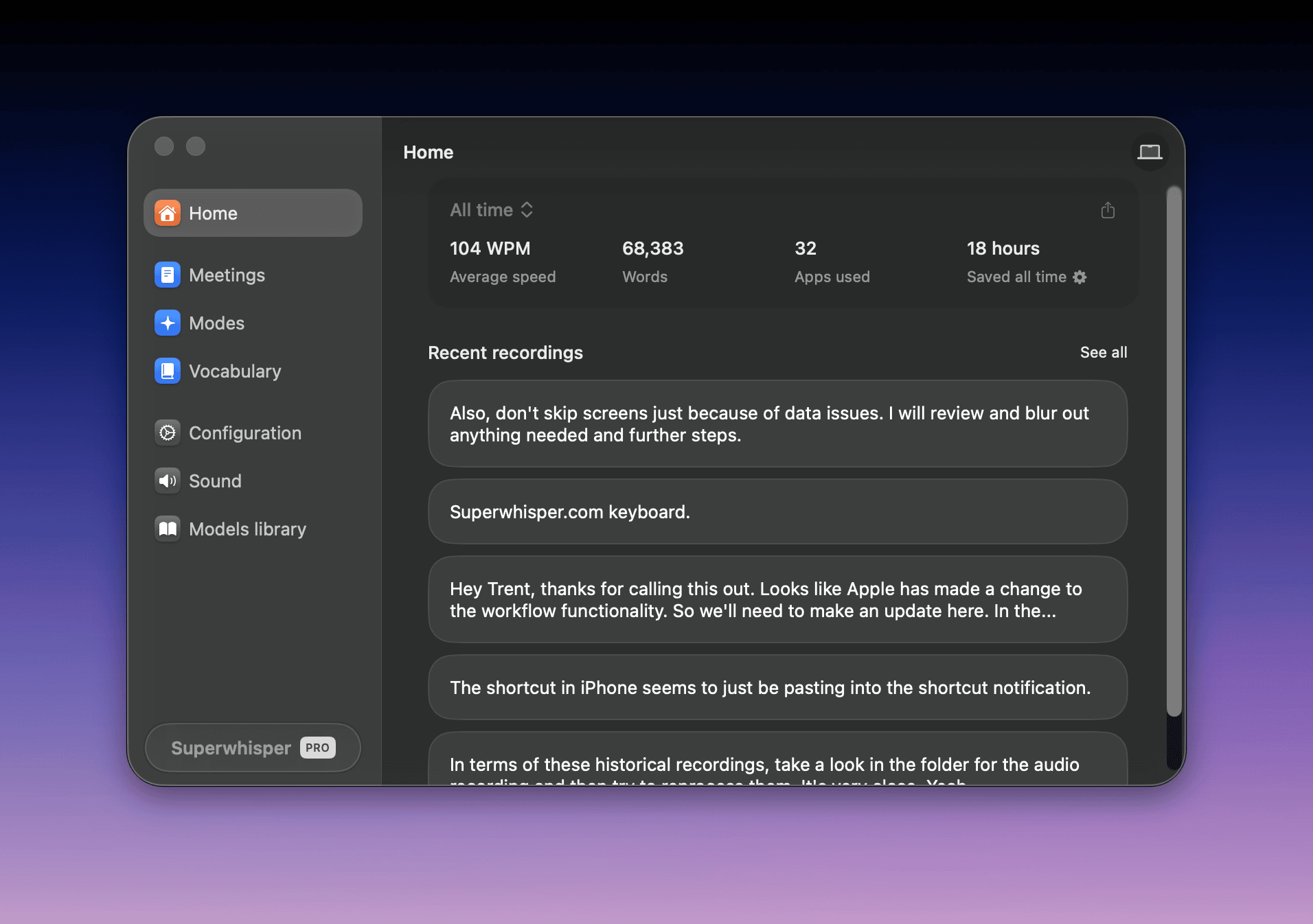
Open History from any of three places:- Home in settings: the Recent recordings list shows your last five dictations. Click See all to open the full History
- The menu bar icon → History…
- Right-click the mini recording window and choose Open History…
Search recordings
The Search history field at the top of History filters your past dictations.Search filters the original dictation only, not AI-processed results.
Reprocess a dictation
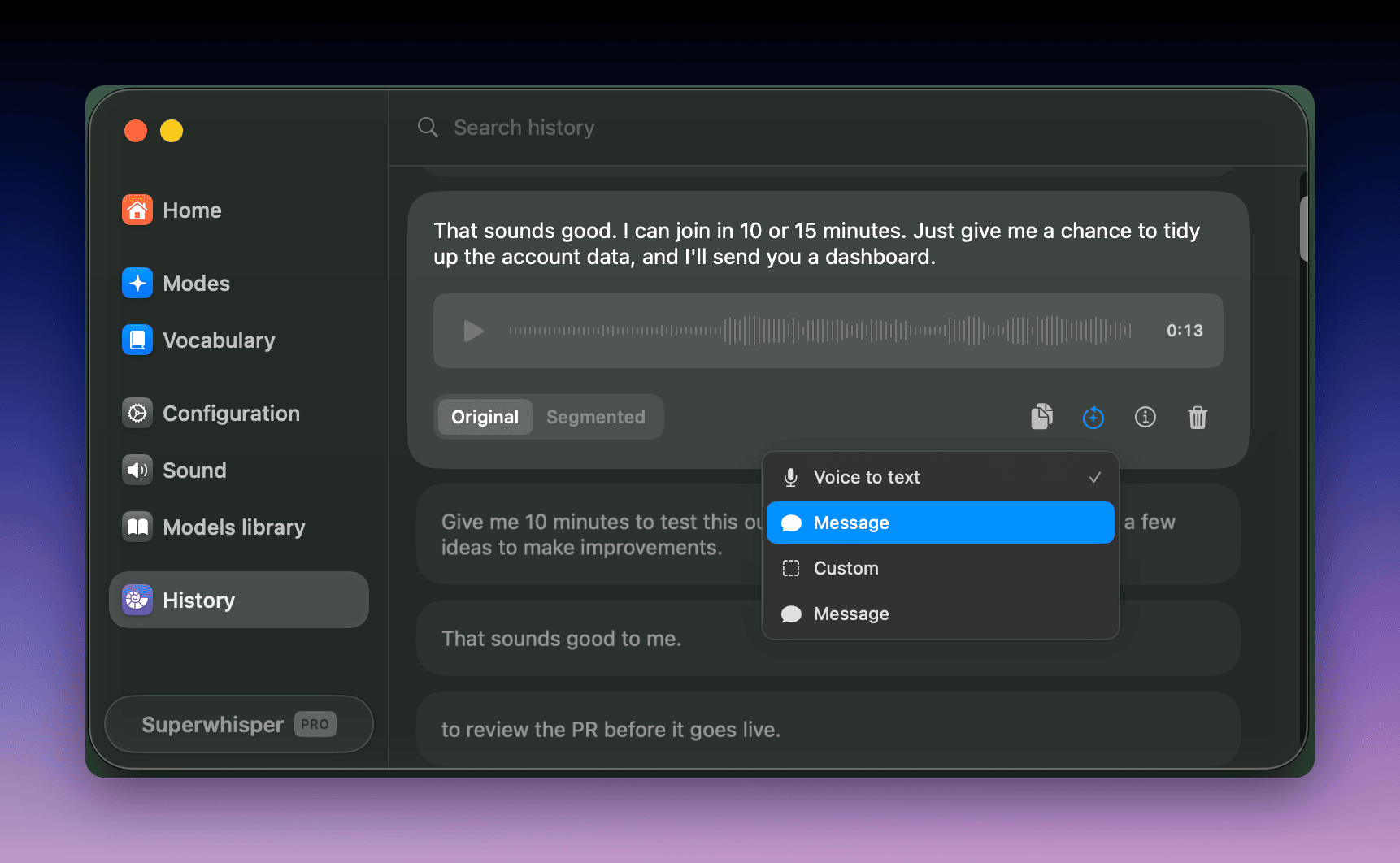
Retry a failed transcription or run an old dictation through a different mode without re-recording:- Open the dictation in History
- Click the reprocess icon below the recording
- Pick the mode to process it with
Dictation stats
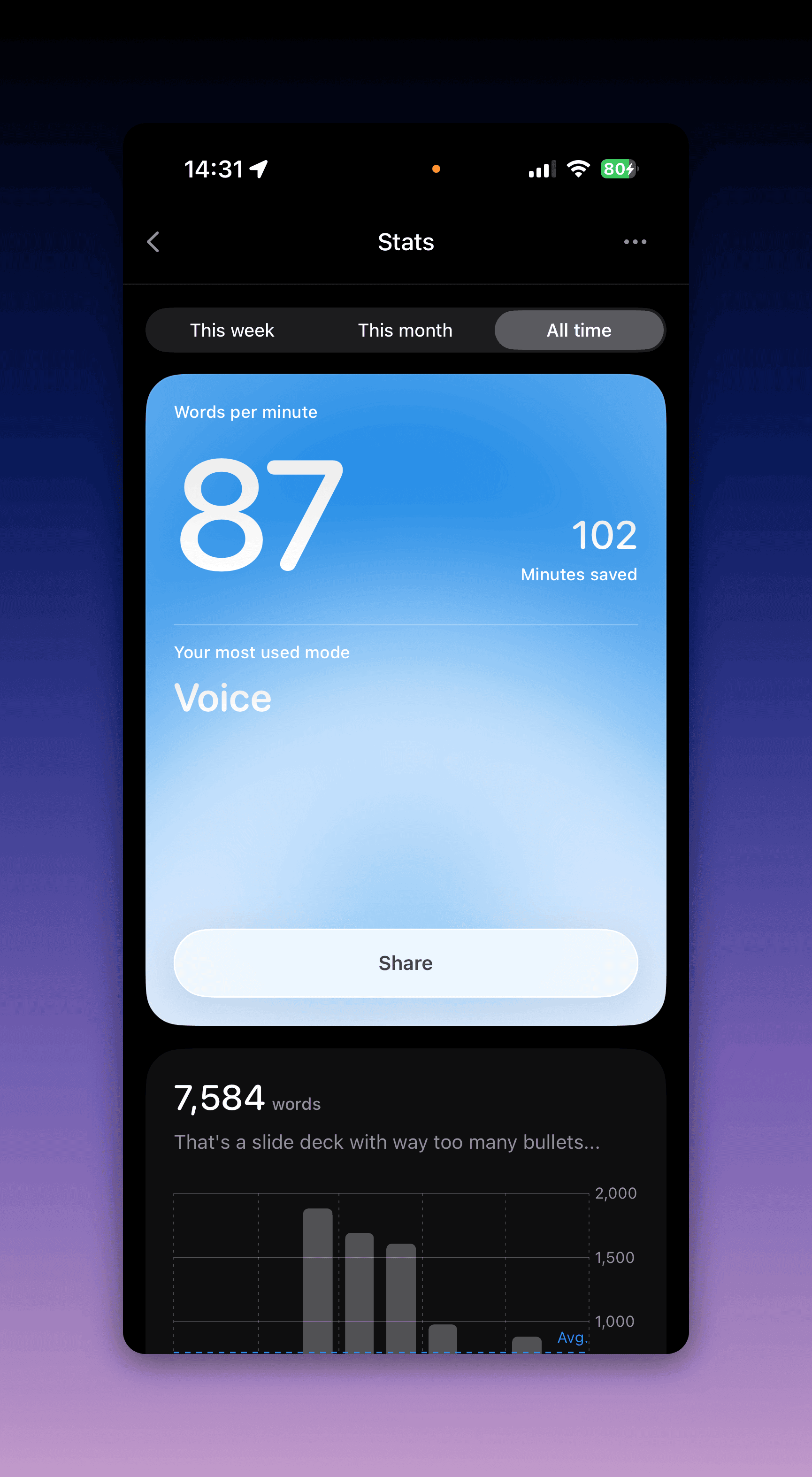
The Home tab in settings shows Average speed (words per minute), Words, Apps used, and time saved, for This week or All time. Meetings don’t count. On iOS, open the app’s Settings, where you can also reset your stats. On a Mac, the CLI also prints them withsuperwhisper stats.
Report an issue
Report a problem directly from the recording it happened in:- Turn on Error logging in Settings → Configuration
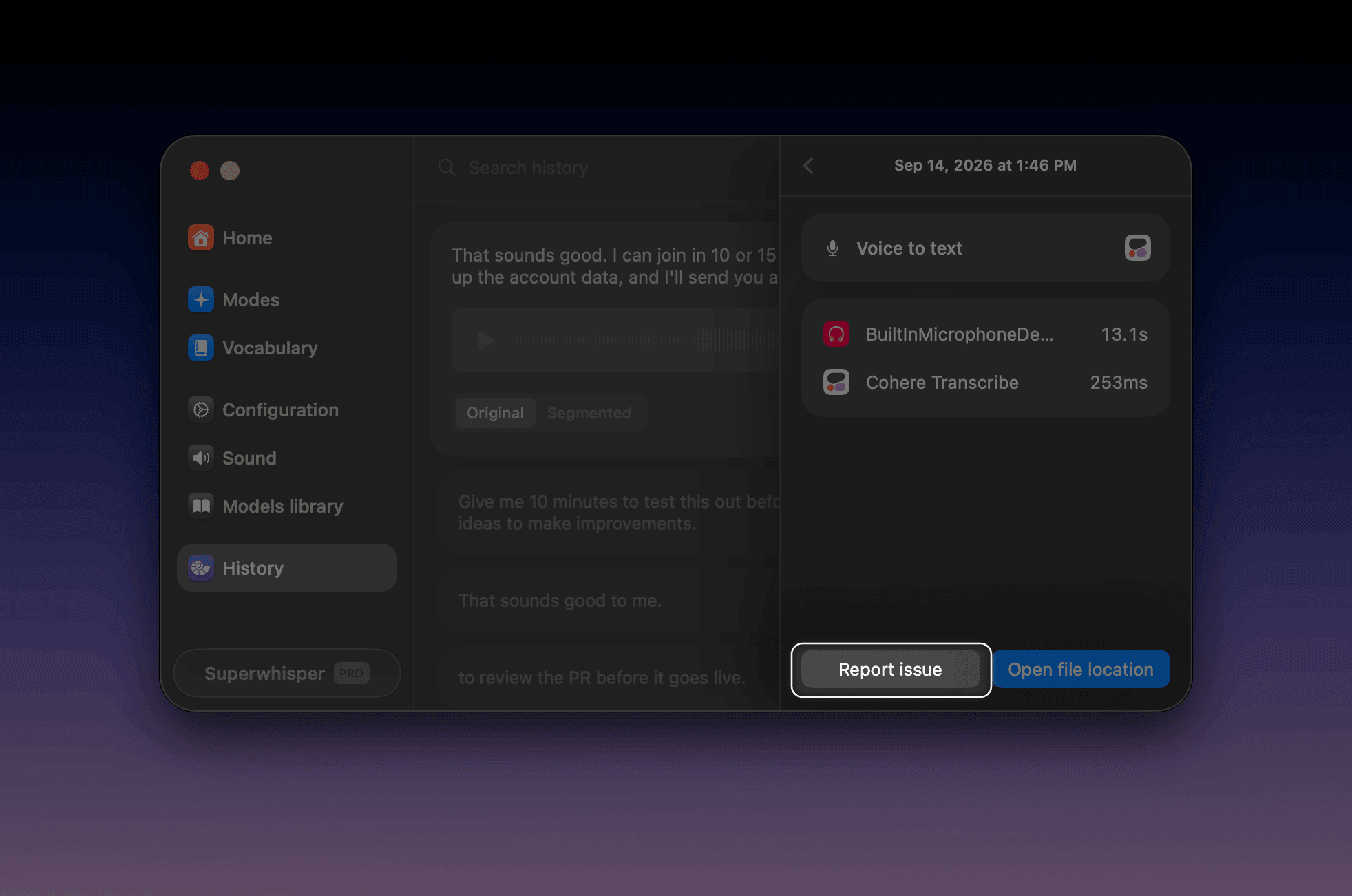
- Open the recording in History and click the info icon to show its details
- Click Report issue in the details sidebar
- What happened, and the steps to reproduce it
- Screenshots of your Configuration pane and the mode’s settings (including the prompt, for custom modes)
- The recording folder: open the test recording in History, click the info icon, then Open file location to reveal it in Finder, compress the folder, and attach it
Where recordings are stored
Delete recordings
You can delete recordings by hand or let Superwhisper delete them on a schedule.- In History: right-click a recording and choose Delete. To delete several, select them (hold Shift) and click Delete in the selection bar, or Select all first
- In Finder: open a dictation’s info, click Open file location to open the recordings folder, then delete files directly
Delete recordings automatically
Use Keep recordings for to set how long Superwhisper keeps recording files on disk. It deletes older recordings automatically, including meetings.- Open Settings → Configuration
- Set Keep recordings for to Forever, 1 day, 1 week, 2 weeks, 1 month, 6 months, or 1 year