

superwhisper CLI gives you terminal access to your local transcription history, meetings, vocabulary, and snippets. It can also run as an MCP (Model Context Protocol) server, so AI assistants like Claude Code can search and read your dictations and meetings.
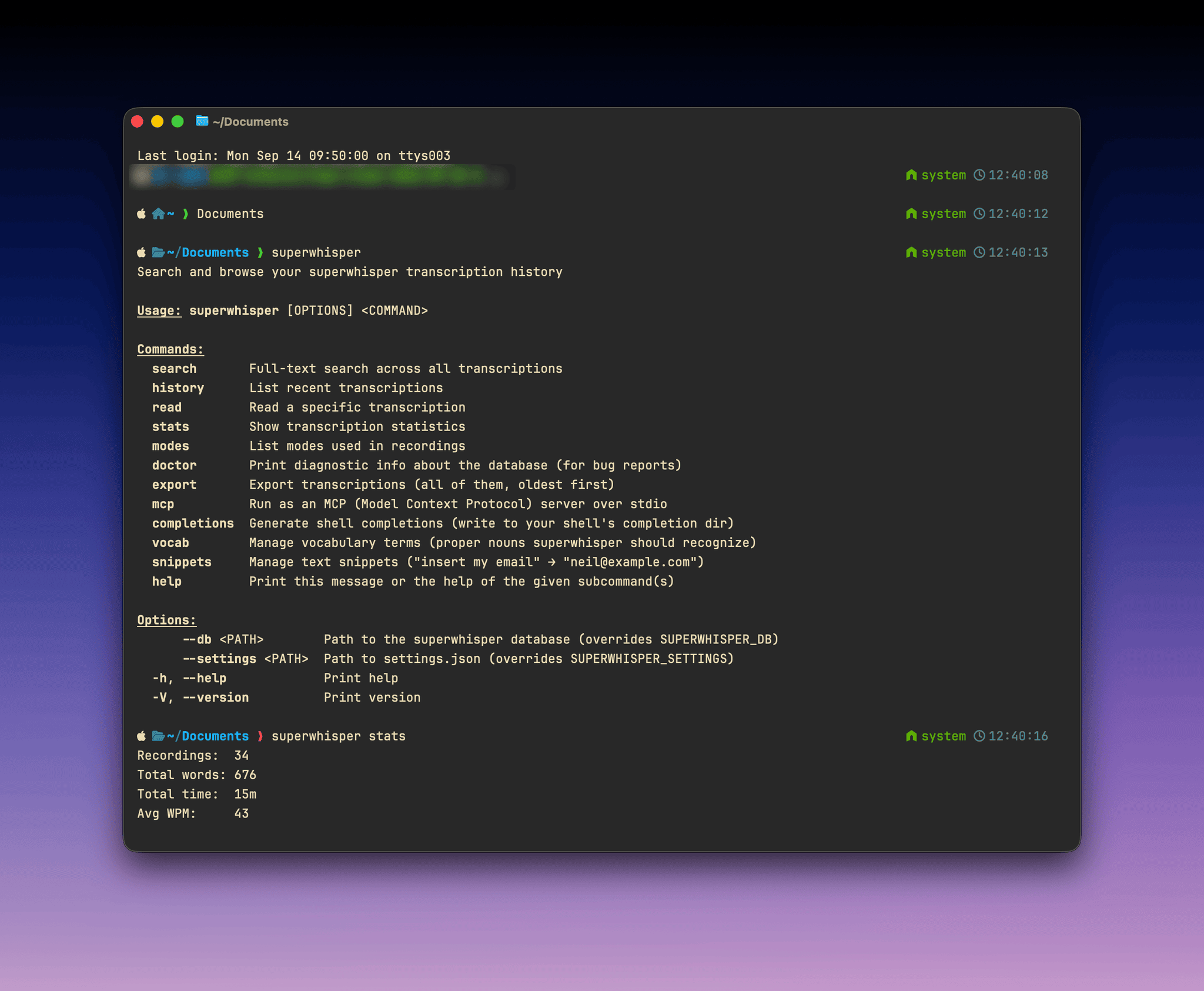
The CLI is available on macOS only. It reads the same local database as the app, and its commands run entirely on your device. If you connect an AI assistant over MCP, the transcripts it queries are sent to that assistant and handled under its own model and data settings.
Install
/usr/local/bin, or to ~/.local/bin if that isn’t writable. If your shell can’t find superwhisper after install, add ~/.local/bin to your PATH. Binaries and checksums are published at superultrainc/superwhisper-cli-release.
Commands
Examples:
record, start, stop, switch, settings, and transcribe) send a request to the running app, so Superwhisper must be open for them to work.
Most commands accept --json for machine-readable output. Point the CLI at a non-default install with --db <path> (or SUPERWHISPER_DB) and --settings <path> (or SUPERWHISPER_SETTINGS).
MCP server
Run the CLI as an MCP server to give AI assistants read access to your history and meetings, and control over vocabulary and snippets:meetings, search_meetings, and read_meeting.
The easiest way to connect an AI app is from Superwhisper: open Meeting settings → Agents and turn on the app. See Ask an agent about your meetings.
To connect from the terminal, run mcp install with the app’s name: claude-code, codex (also used by the ChatGPT desktop app), claude-desktop, or cursor. It also installs a meetings skill that tells the agent how to use the meeting tools.