

Status indicator dot
A color-coded dot on the icon shows the current status:Yellow
Superwhisper is starting up or loading a model
Red
Active recording in progress
Blue
Processing dictation
Green
Processing finished. The icon returns to normal after a few seconds
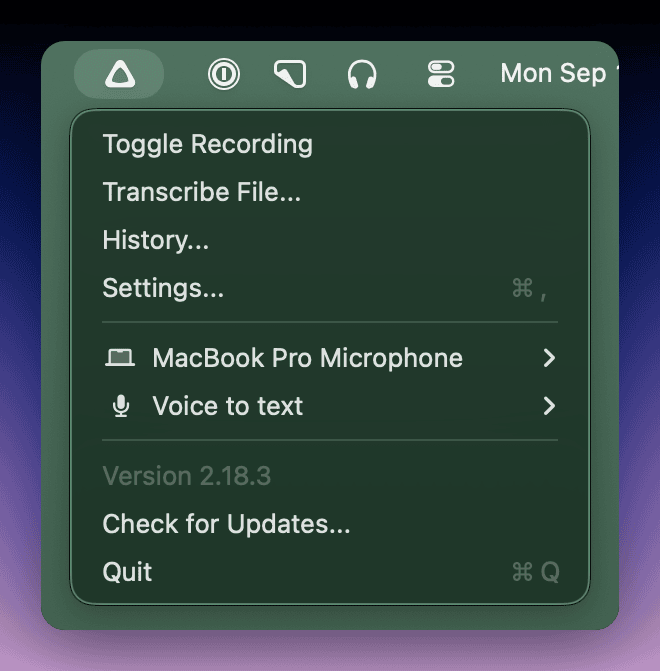
Menu options
Click the icon to open the menu:- Start or stop recording with Toggle Recording
- Transcribe external files with Transcribe File… (a Pro feature, shown with a lock icon without Pro)
- Open History with History…
- Open the main settings window with Settings…
- Change the input device
- Change the active mode
- Check for updates
- Quit Superwhisper
Quick recording
By default, clicking the icon opens the menu. Enable Start Recording on Menubar Click in advanced settings to change this:- Left click toggles recording
- Right click opens the full menu