

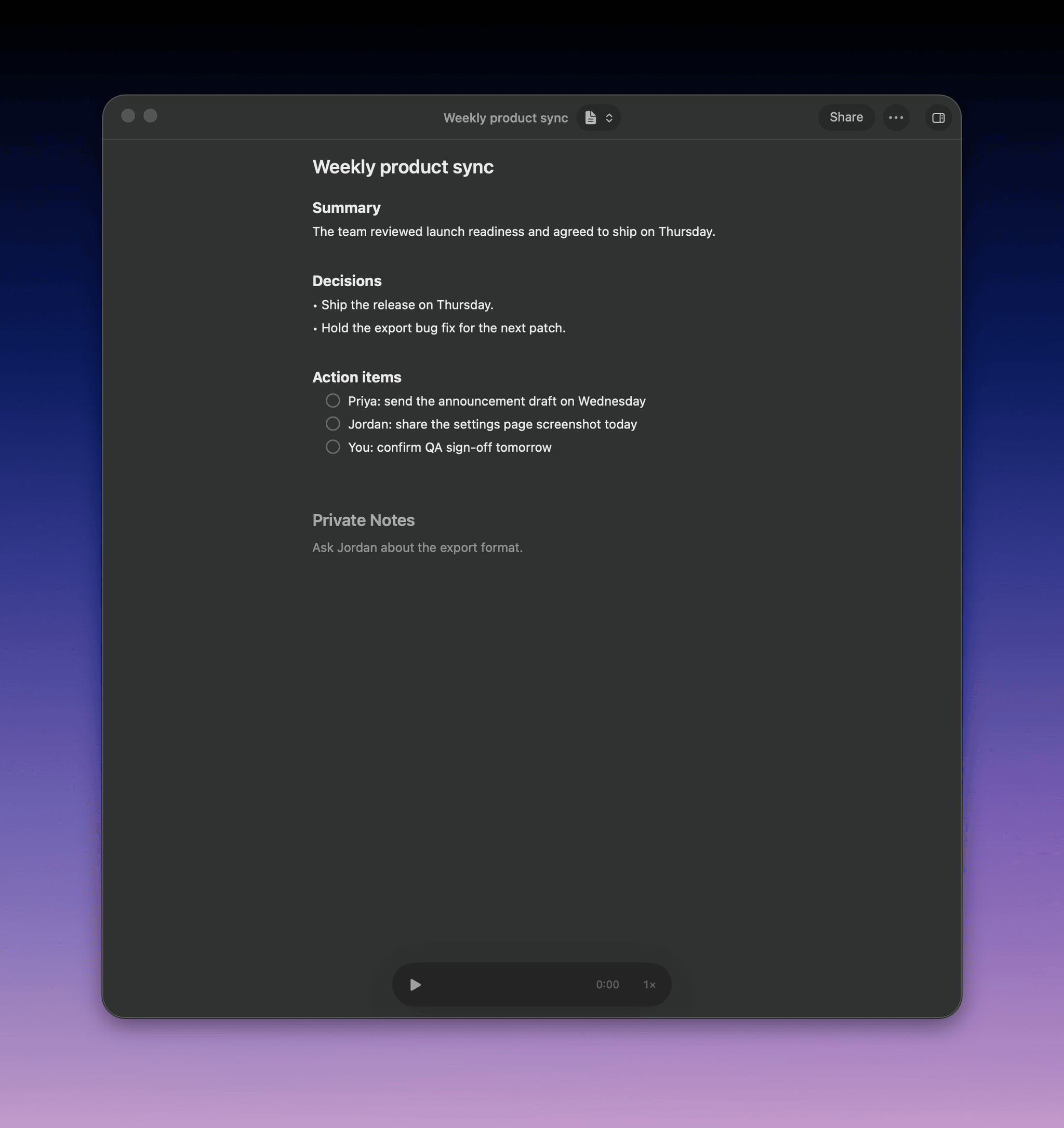
What a summary contains
The built-in Summary template writes notes for someone who missed the meeting:- Title and overview: three to five sentences
- Topics: a section for each, with facts and the reasons behind them
- Decisions: what was agreed, and why
- Open questions: what is still unresolved
- Action items: checkboxes with an owner, like
- [ ] @Sam send the revised quote
Templates
A template is the instructions the language model follows. It doesn’t change the models or recording settings.Switch templates
Click the template button in the meeting toolbar and pick a template. To choose one before the meeting, use the arrow next to Record in the meeting prompt. Each meeting keeps every summary you generate, so switching back is instant. Choose Regenerate to rewrite the current one, for example after you add notes or rename speakers.Write your own template
- Click the template button and choose New template
- Name it
- Write the instructions: what to include, the structure, the tone, and the audience
- Save it, then pick it in the toolbar
Manage templates
Choose All templates in the template menu.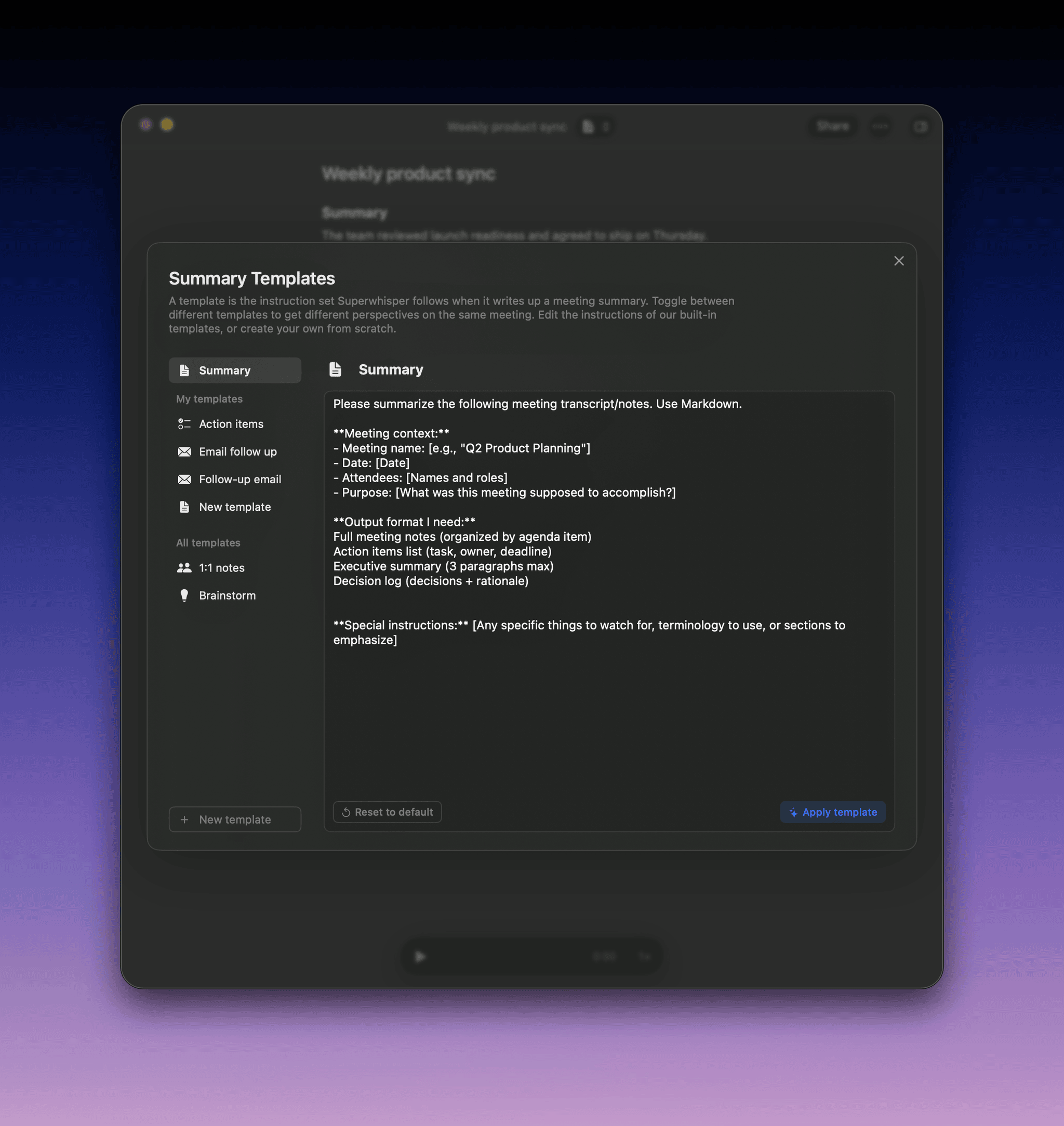
- Edit: change any template’s instructions, including Summary. Unedited built-in templates improve with app updates
- Star: show a template in the toolbar menu
- Rename or delete: your own templates