

Set up local meetings
- In the Meetings tab, click the gear
- Set Voice to Cohere Transcribe, or Parakeet for speed over accuracy
- Set LLM to Tiny Aya 3B or Qwen 3.5 2B
- Wait for the models to download
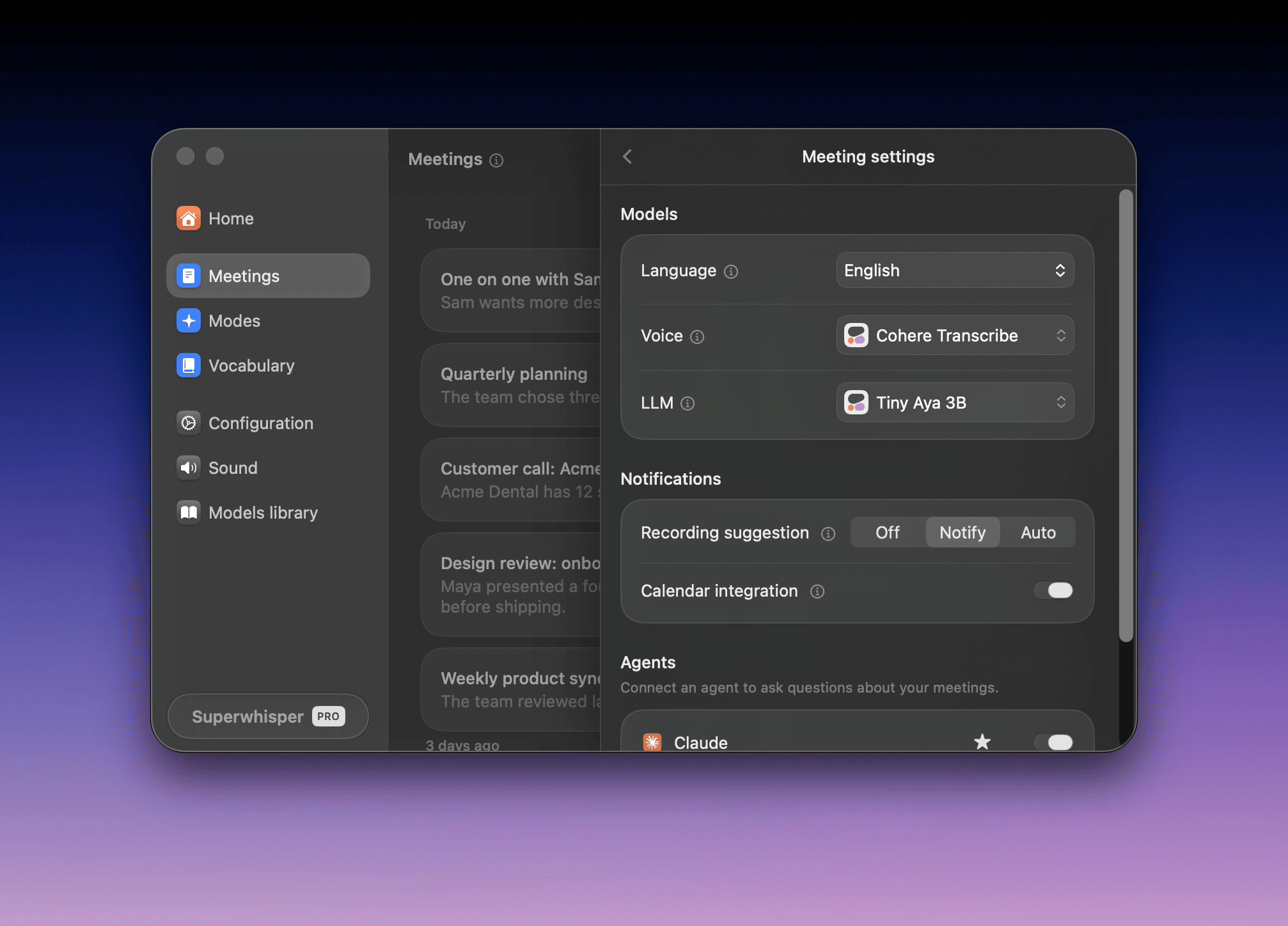
Local summaries are shorter than cloud summaries. See local summary tips.
Where meeting data goes
Speaker separation, calendar data, and saved meetings always stay on your Mac. The models decide the rest:
Mix them to suit you. A local voice model with a cloud LLM keeps audio on your Mac and sends only text.
Superwhisper’s cloud providers don’t keep or train on your data. See Cloud models: privacy commitments.
Data also leaves your Mac when you:
- Create a share link: uploads the summary text, title, and date for 30 days. See Share a link
- Connect an agent: the agent’s provider receives what it reads. See Ask an agent
- Drag or copy a summary: the receiving app’s terms apply
Recording consent
Many places require consent from everyone on a call before you record it. No bot announces Superwhisper, so tell the other attendees.Enterprise controls
Admins set these in the dashboard. See Configuration & Models.- Allow cloud AI models: off limits meetings to local models and your organization’s custom models
- Allow system audio recording: off turns Meetings off
- Meeting sharing: public links, sign-in links, or no links
- Recording retention: deletes old meetings from members’ Macs, like dictations