

Superwhisper uses the wrong microphone
Click the microphone button at the top right of the Home, Configuration, and Sound pages to see and switch the active input device: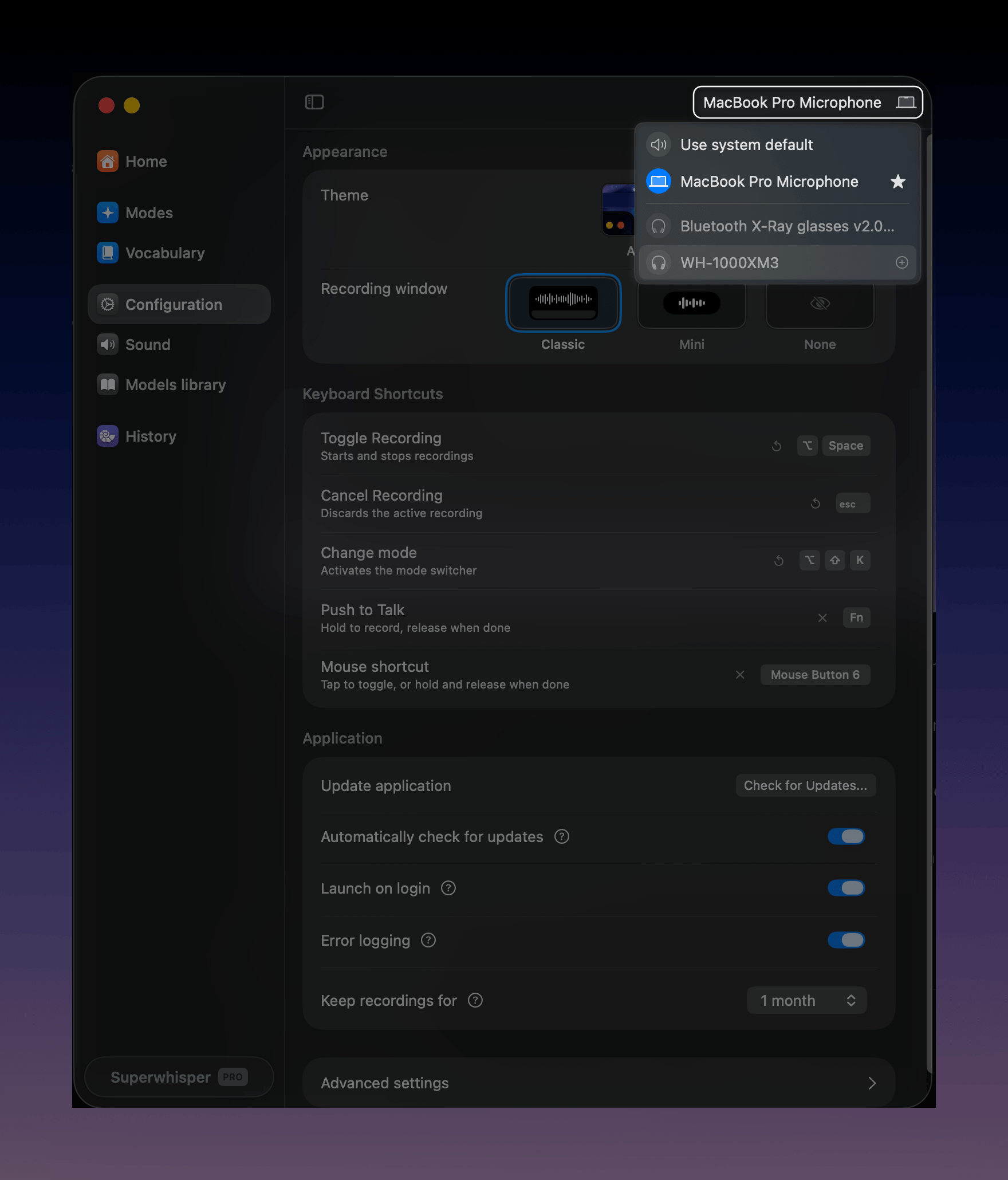
- Use system default follows whatever macOS or Windows has selected, which changes when a Bluetooth headset connects. If Superwhisper switches microphones on its own, the system default changed underneath it.
- Star a microphone to mark it as a priority device. Superwhisper prefers starred devices over the others.
- Exclude a device with its exclude button in the same list. Superwhisper then stops offering that device, for example a virtual microphone you never use.
AirPods and Bluetooth headsets sound worse
When a Bluetooth headset’s microphone is active, audio quality often drops. This is a Bluetooth limitation, not a Superwhisper setting, and it can reduce transcription accuracy. Try selecting your built-in microphone as the input and keep listening through the headset.System audio recordings come out empty or silent
System audio is what your computer plays, such as the other side of a call. Meetings records it automatically. Dictation modes record it only when the mode has it turned on:- Grant the permission: system audio needs Screen & System Audio Recording permission. Open System Settings → Privacy & Security → Screen & System Audio Recording (called Screen Recording on macOS 14) and enable Superwhisper. Quit and reopen the app if macOS asks
- Enable it in the mode: for a dictation mode, edit the mode and turn on Record from system audio. It records applications on your main display along with your microphone. See audio options
- A still waveform is normal: the waveform doesn’t move during system-audio capture. Check History to confirm the audio recorded
- Check your org policy: on an Enterprise license, your organization can disable system audio recording org-wide, which also hides Meetings. If the option is missing, ask your admin
- Rule out your audio device: if a meeting recorded silent, retry with built-in speakers or wired headphones. If that works, the device is the cause. If it still fails, email support@superwhisper.com with the device model and your macOS version
Notifications and other apps in the recording
System audio capture records everything the computer plays, including notification sounds. Mute notifications during meetings you record, or record microphone-only modes when you don’t need the other side.Muffle doesn’t run during meetings
Muffle and Lower pause while a meeting records, so you hear the call at full volume.Muffle is silent, doubled, or doesn’t muffle
Some apps send all of your Mac’s audio through themselves, as Muffle does. When both run, your audio can go silent or play twice. Superwhisper finds these apps and uses Lower when Muffle can’t run. Muffle also needs macOS 14.2 or later and the System Audio Recording permission. See the permission step above.Set up FineTune or SoundSource
Open Settings → Sound with Muffle selected. A box names the app. Click Set up. Superwhisper restarts the app and tells it to leave Superwhisper alone. This takes 5 to 10 seconds.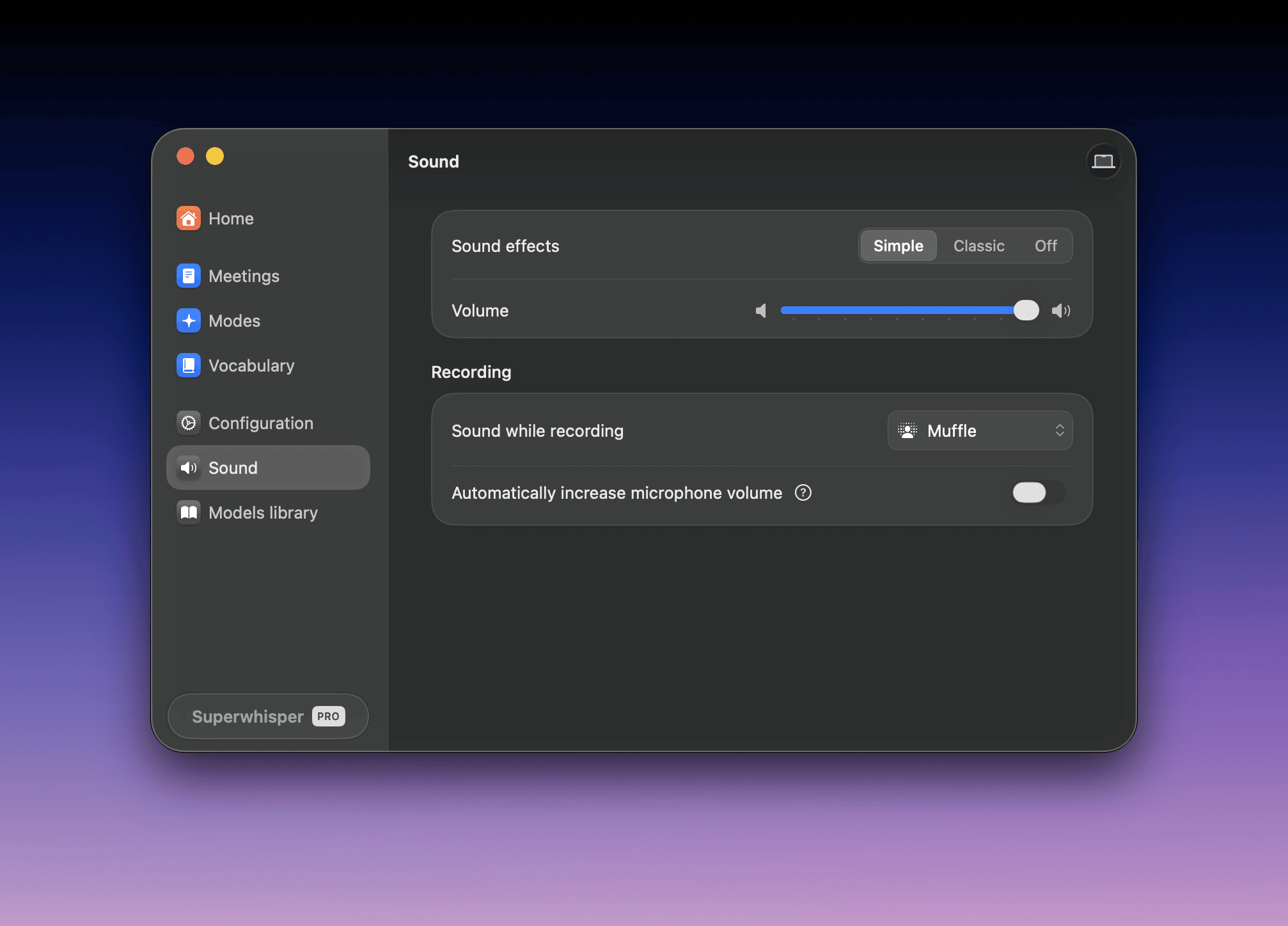
- FineTune: keep Settings → Sound open. Click FineTune in the menu bar, click the pencil, then click the eye next to Superwhisper
- SoundSource: click SoundSource in the menu bar, then the gear, then Settings → Audio. Under Excluded Applications, click Add Exclusion and choose Superwhisper